When a dealer shares a product feed, BrandBinder can match their live product pages to the brand products they carry. That lets a Buy Now button send shoppers to the dealer's actual product page when there is a safe exact match.
We need the same product feed your ecommerce team already maintains.
For most dealers this is the Google Merchant Center, Google Shopping, Shopify, WooCommerce, or ecommerce product feed they already use to publish products online. BrandBinder does not need store admin access, order data, customer data, or a custom website project.
Best option
A hosted product feed URL that updates automatically when your ecommerce catalog changes.
Good first step
A CSV, XML, TXT, or spreadsheet export with product identifiers and product page URLs.
Not needed
Customer lists, order history, payment data, admin passwords, or private store credentials.
What BrandBinder reads
The feed is used for product matching, not broad store access.
Feed field
Why it helps
Product title
Helps confirm the page is the same product the brand has in BrandBinder.
Brand or manufacturer
Keeps matching scoped to the brands the dealer is authorized to carry.
SKU, MPN, model, UPC, GTIN, or EAN
These identifiers are the safest way to match a dealer product page to a brand product.
Product URL
This is the page shoppers should reach when they click Buy Now.
Availability and price
Optional, but useful for avoiding links to unavailable products or understanding ecommerce readiness.
Safety
A product feed is normally public catalog data.
The feed should contain the same kind of product information a shopper or search engine can already see: titles, product pages, brands, identifiers, prices, and availability. If a feed contains private fields, the dealer can send a limited export with only the fields BrandBinder needs for matching.
No customer data
BrandBinder does not need shopper names, email addresses, carts, orders, or payment details for Buy Now matching.
No admin login
A feed URL or export is enough. The dealer does not need to grant store backend access.
Matched links only
BrandBinder uses matched product links for connected brand catalogs. Unmatched rows stay out of Buy Now routing.
Fallback behavior
If there is no exact match, shoppers do not get sent to the wrong page.
BrandBinder only uses a direct product URL when the dealer feed can be matched to the brand product with enough confidence. If a product is not matched, the locator can fall back to the dealer listing, dealer website, local dealer view, or no Buy Now option depending on the brand's settings.
Matched product
Buy Now can open the dealer's exact product page.
Dealer approved, product not matched
The locator can show the dealer without claiming they have a specific product page.
Not approved
The dealer does not appear for that brand's protected locator or portal flow.
How BrandBinder does this
BrandBinder keeps product links connected to brand authorization.
BrandBinder lets brands manage dealer access, public locator visibility, and product-aware Buy Now routing from the same dealer network. Dealer feeds help BrandBinder keep product-page links current without asking ecommerce teams to maintain separate spreadsheets for every brand.
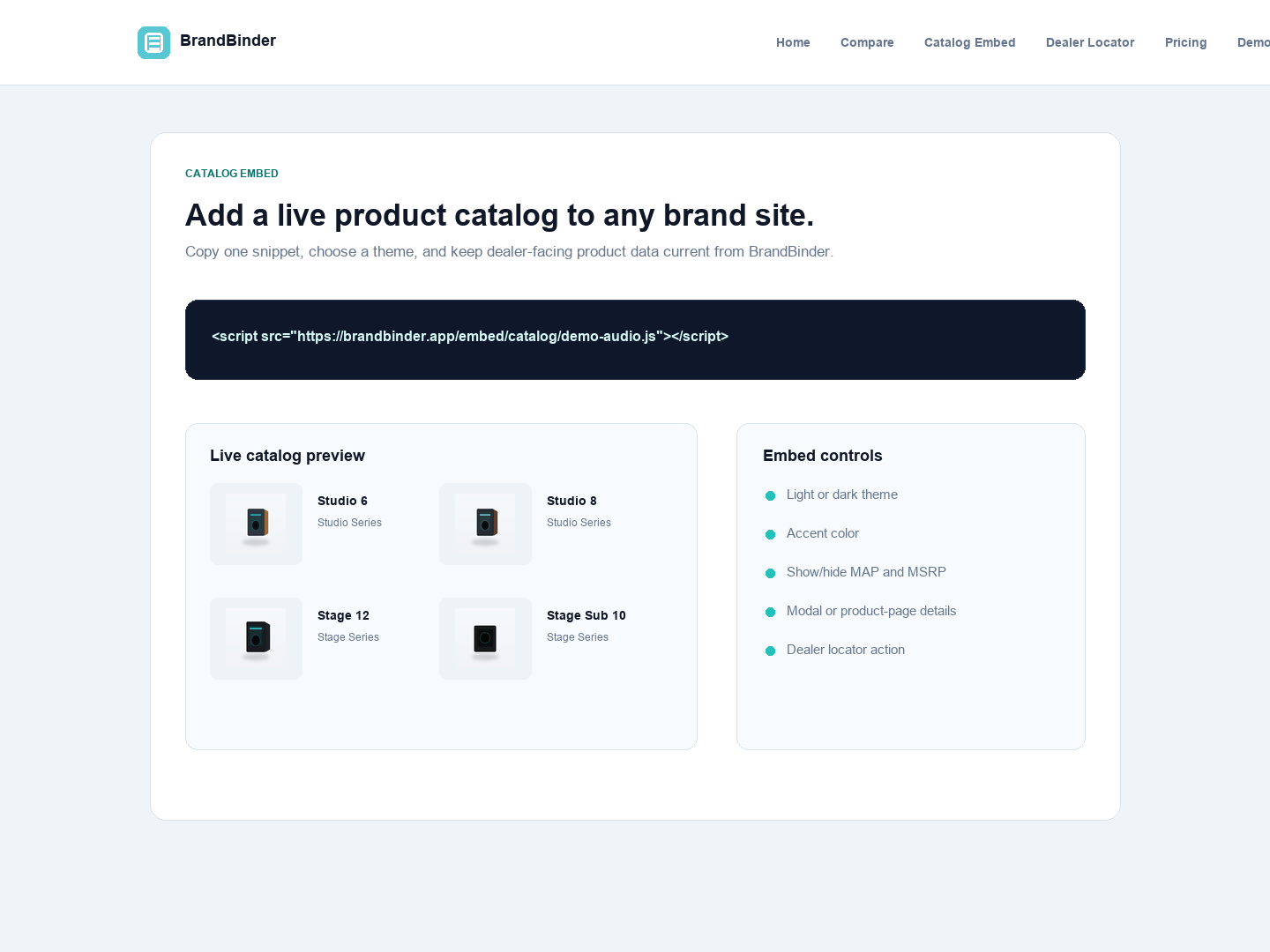
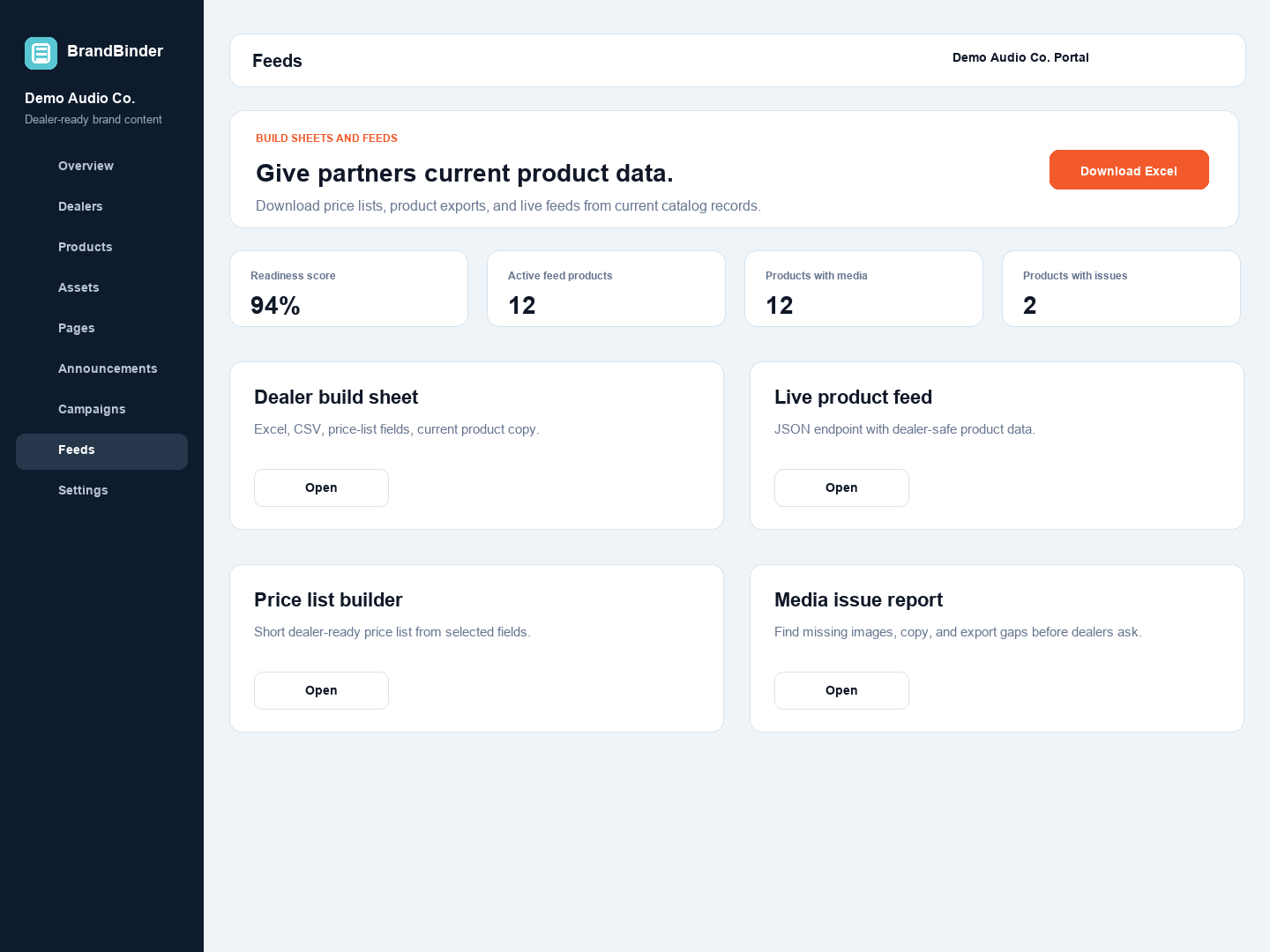
Brands can embed locator and Buy Now behavior from the same workspace.Feed and export controls keep product data tied to the live catalog.
Start building your dealer workspace today.
Try BrandBinder free for 30 days with no credit card required, or bring your current dealer stack to a guided demo.
 BrandBinder