 BrandBinder
The web workspace is the source of truth
Brand setup, dealer approvals, publishing, product data, and permissions stay in the web workspace.
BrandBinder Drive
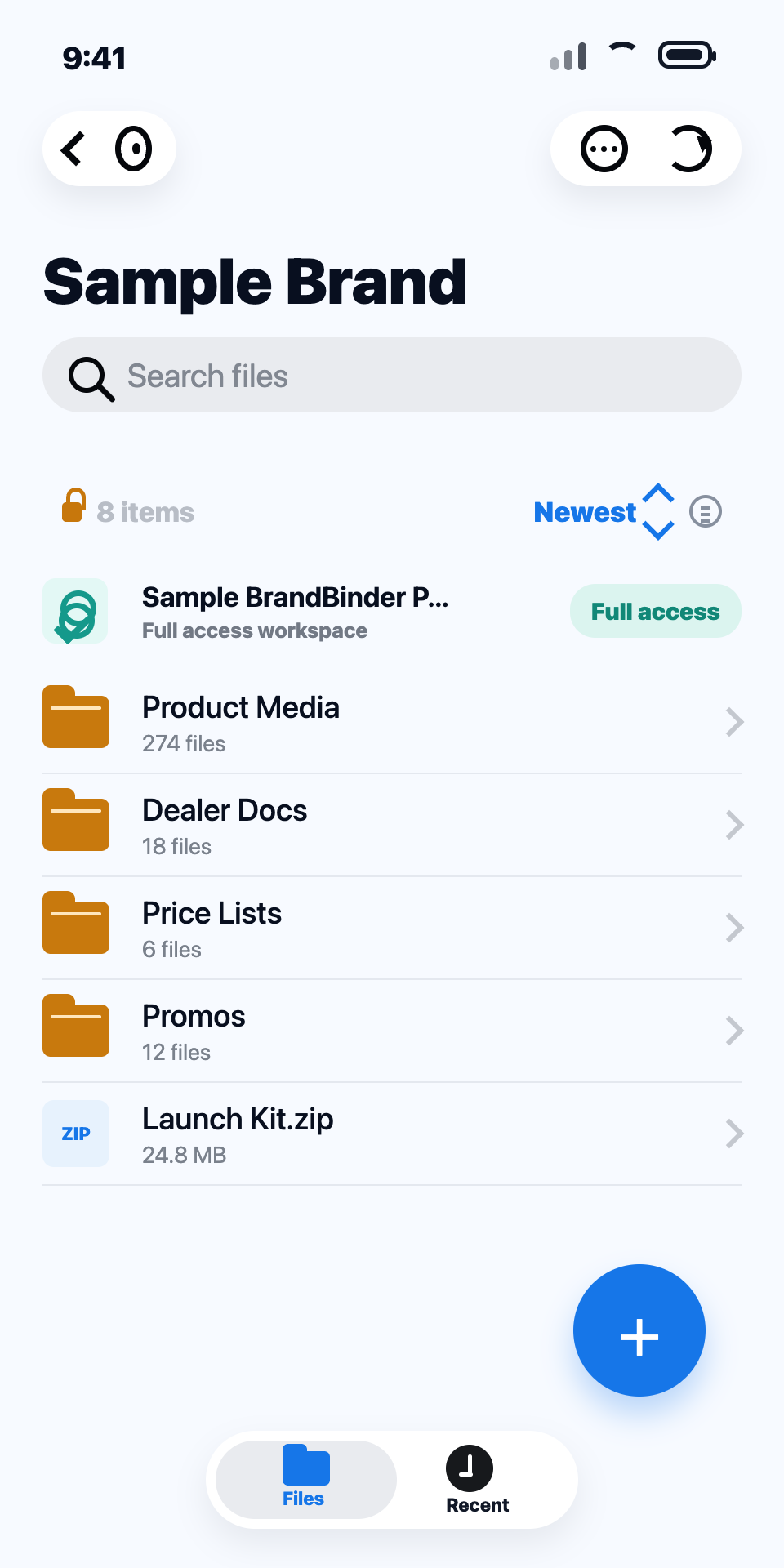
BrandBinder Drive is the file companion for the BrandBinder web workspace—not a separate CRM. Brand teams manage the library while dealers and reps get approved access. The Mac companion keeps files in sync through Finder, while the iPhone companion keeps approved files close on the go.
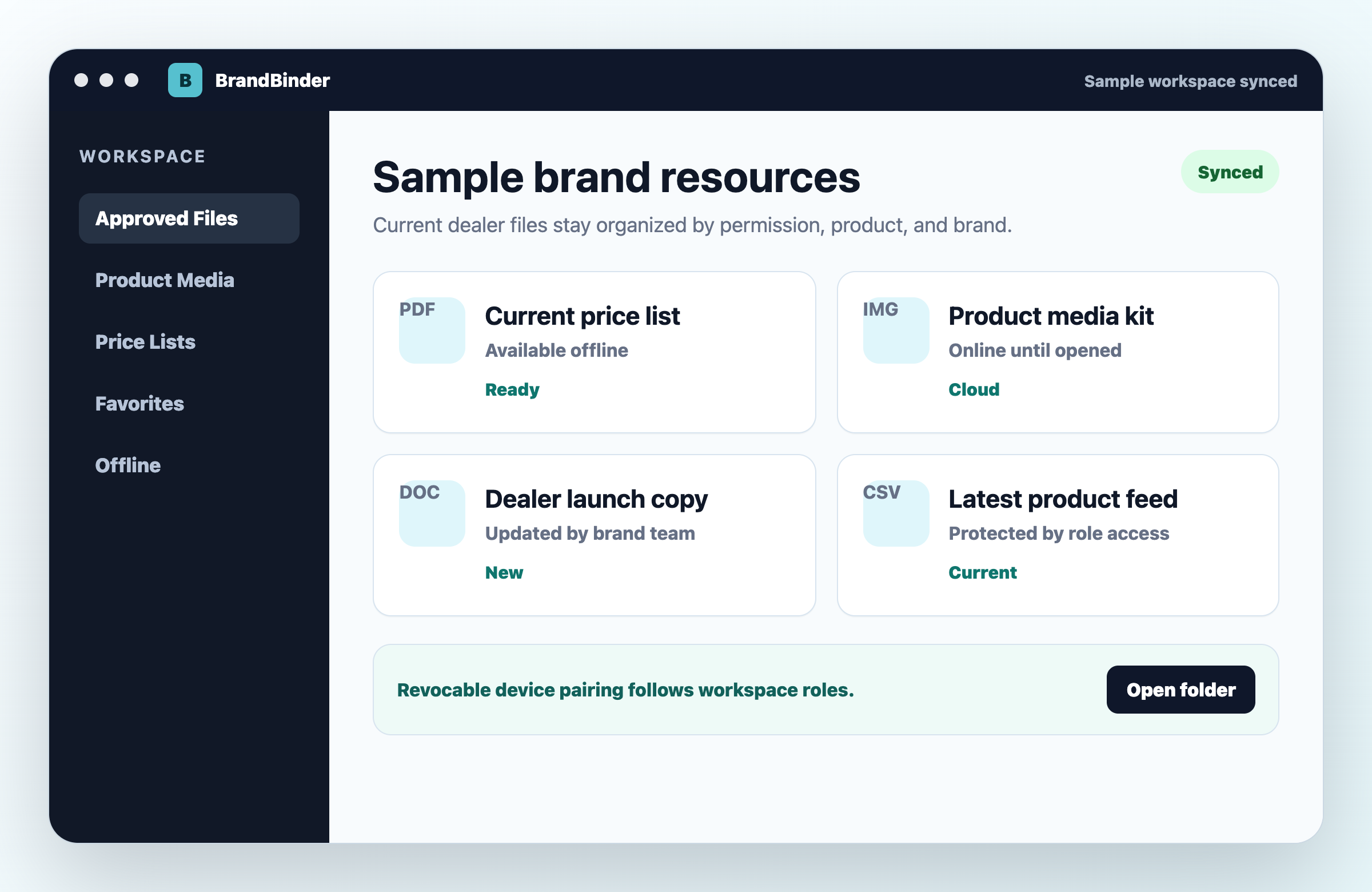
BrandBinder Drive for Mac
Drag files into your BrandBinder folder and they are filed, synced, and live for the right dealers. No upload screens, no emailing assets around. Dealers and reps get the same app in read-only mode.
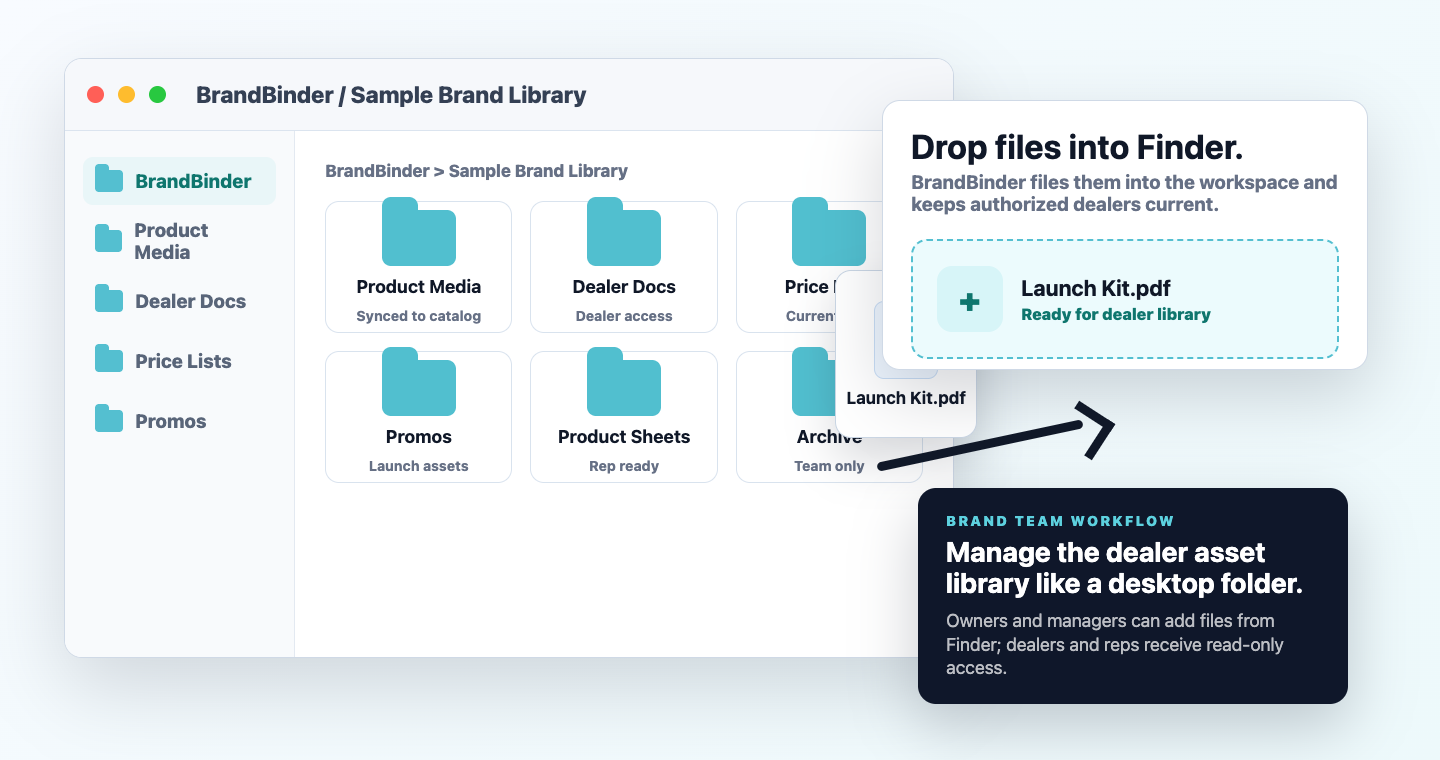
Desktop status
Sign in to BrandBinder, download the Mac companion, then pair it with your workspace.
BrandBinder Drive for iPhone
The iPhone app is for quick access: preview files, save favorites, and keep important resources offline before a store visit, trade show, or dealer meeting.
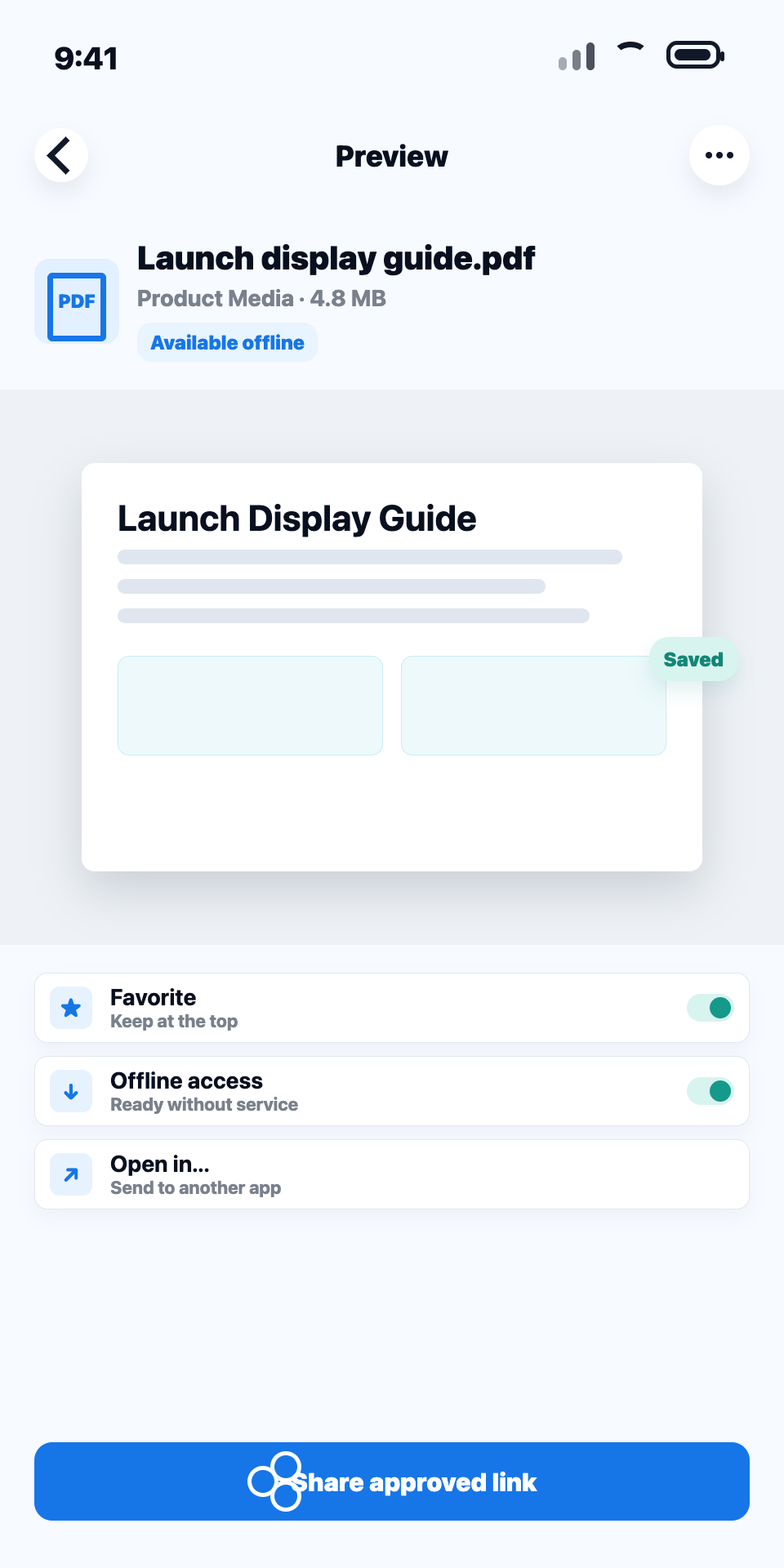
Mobile status
Available after BrandBinder setup. Install the free iPhone companion, then pair it with your approved workspace.
How access works
Brand setup, dealer approvals, publishing, product data, and permissions stay in the web workspace.
Companion apps only expose resources the signed-in user is allowed to access.
Dealer and standard rep accounts get clean, read-only BrandBinder access instead of upload, rename, share, or delete controls.
Device access is tied to an approved workspace token, so access can be removed without chasing files across personal devices.
Apps are companions. The web portal remains the place to manage brands, dealers, catalog embeds, product feeds, and permissions.
Open BrandBinder