 BrandBinder
Dealer portal software
A branded dealer portal your dealers actually use.
BrandBinder replaces the binder, stale Dropbox links, pricing emails, and “which sheet is current?” confusion with one approved dealer portal for catalog data, downloads, feeds, announcements, and action items. Start on a free BrandBinder subdomain, or use a custom domain on Marketing and CRM so the portal can feel like part of your own site.
Demo Audio Co. portal
Approved dealer
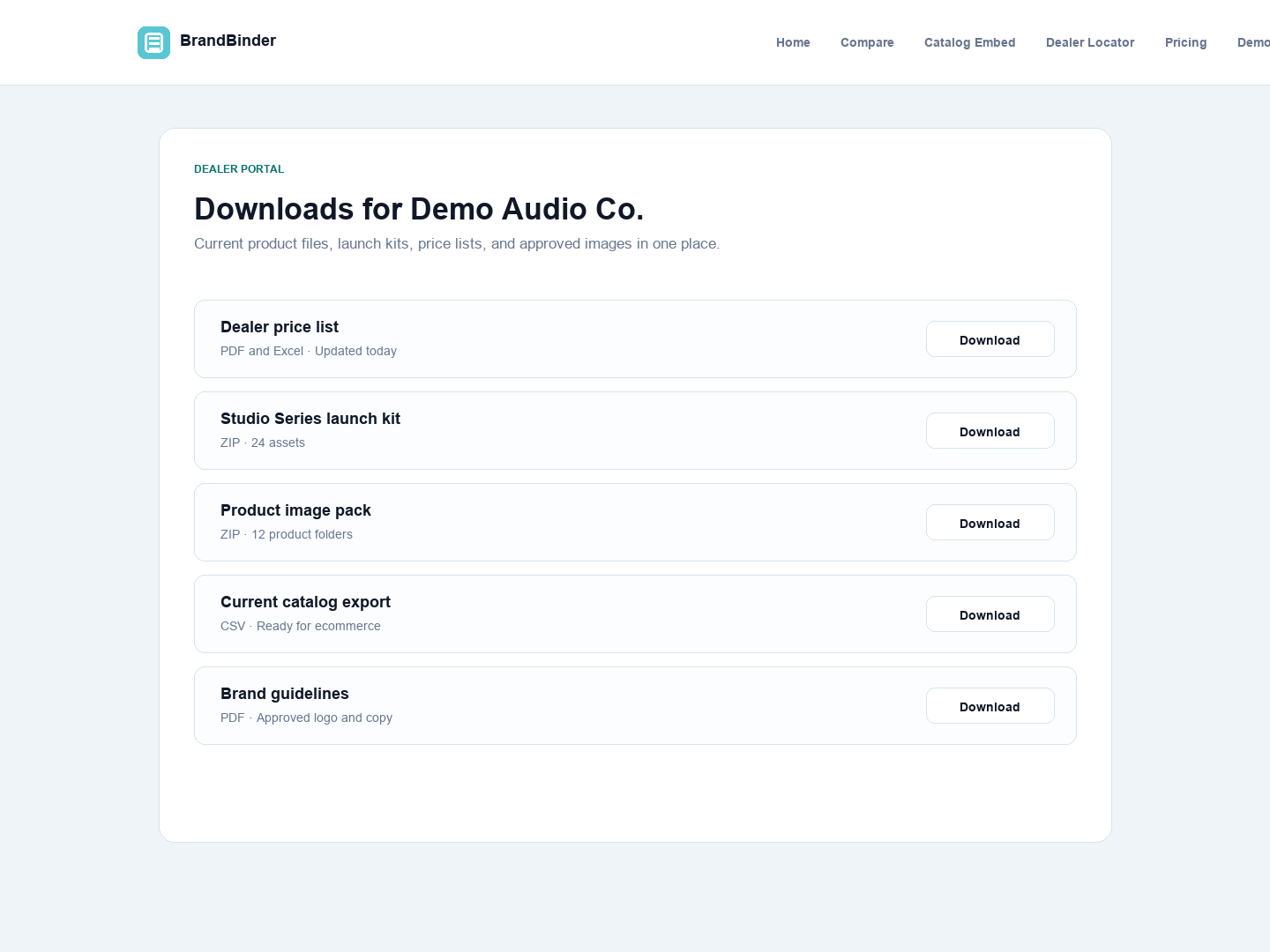
Approved downloadsImages, PDFs, price sheets
Current feedsDealer exports and build sheets
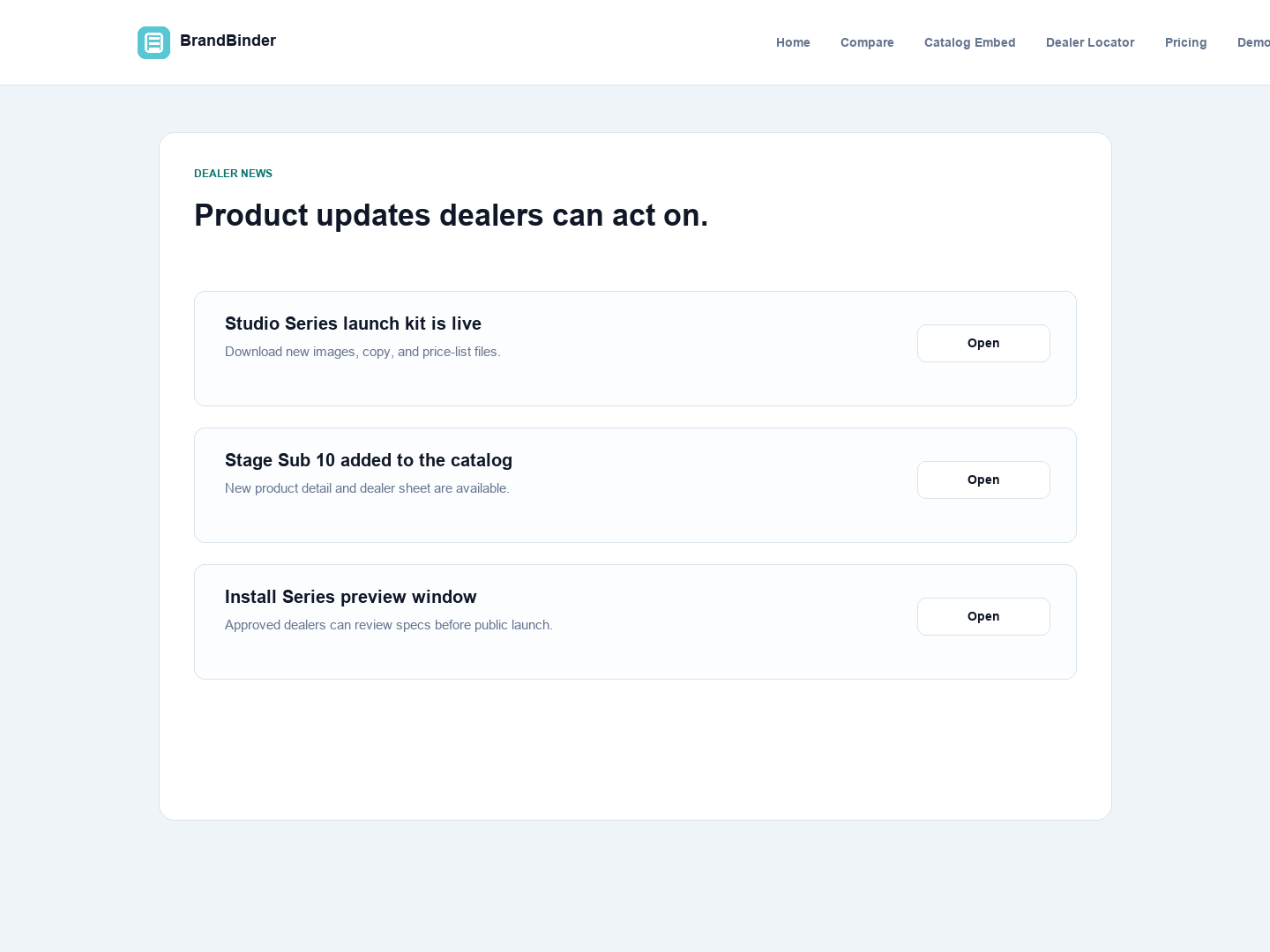
AnnouncementsLaunch updates and action items
How it works
Load the content once, then control who sees it.
1. Load products and assets
Bring products, images, PDFs, price sheets, downloads, and brand content into the workspace.
2. Authorize dealers and groups
Control who can see catalog data, files, pricing, feeds, announcements, and restricted products.
3. Publish the branded URL
Invite dealers to your BrandBinder-hosted subdomain first, then point a custom portal domain when the brand is ready.
What dealers see
Catalog, downloads, updates, and actions in one place.
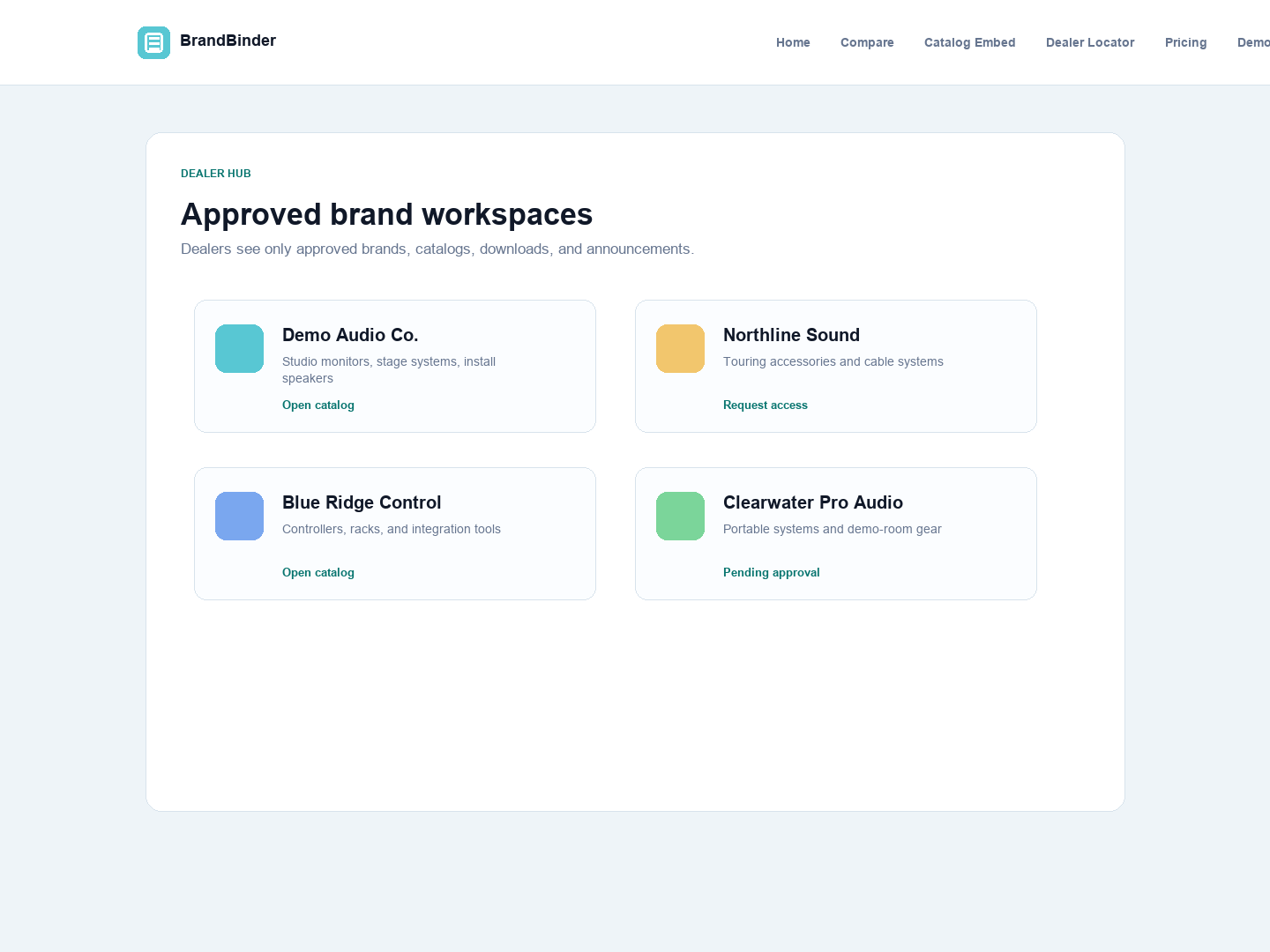
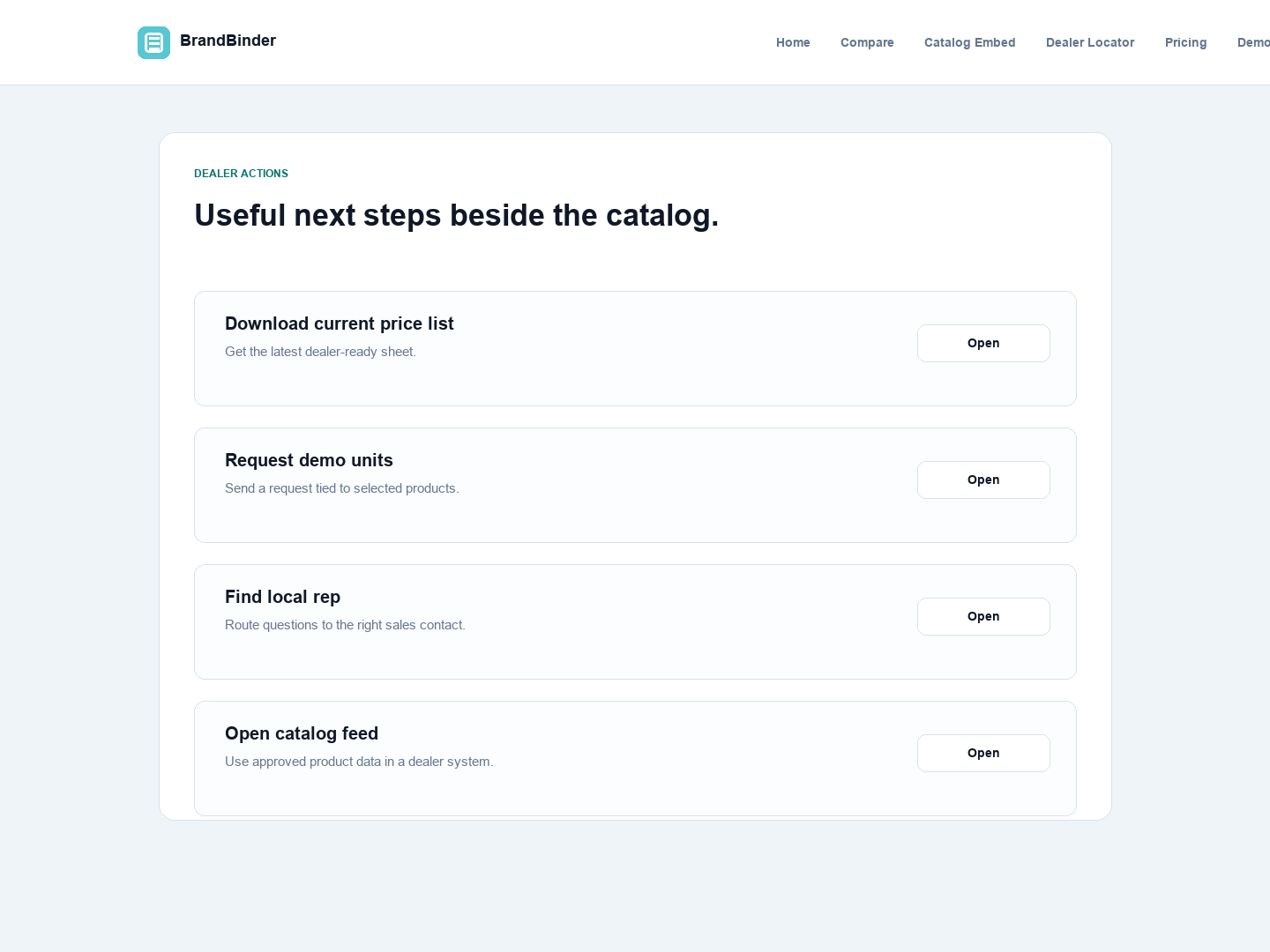
Dealer users are usually trying to answer practical questions: what can I sell, what is current, what files can I use, and what does the brand need from me? BrandBinder keeps those answers in the dealer portal instead of scattering them across shared folders and email threads, with Mac and iPhone companion apps for approved files, favorites, and offline resources.
Why dealers come back
The portal has to be more useful than the old saved folder.
Current catalog
Dealers can browse approved products and open product detail with images, specs, files, and pricing context.
Current files
Price sheets, build sheets, PDFs, and launch assets stay connected to the brand workspace and available through the web, Mac, and iPhone experience.
Current requests
Announcements and action items give the brand a trackable path for launches, updates, and follow-up.
Included in every paid BrandBinder plan, with Mac and iPhone companion access for approved brand resources. Marketing and CRM add campaigns, locator embeds, and deeper dealer-account workflow.
Start building your dealer workspace today.
Try BrandBinder free for 30 days with no credit card required, or bring your current dealer stack to a guided demo.