MAP pricing distribution is an access problem, not a PDF problem.
Most MAP messes start after the file leaves the brand. A rep forwards the wrong sheet. A dealer saves an old PDF. A launch correction never reaches the ecommerce person. The fix is not a prettier attachment. It is a current place where approved dealers can pull the right fields for the right products.
MAP, MSRP, and dealer cost need different permissions and different labels.
A useful dealer price list does not flatten every number into “price.” Dealers need to know what they can advertise, what the suggested retail anchor is, and what their buying cost is. Your system needs to know who is allowed to see each one.
MAP
The advertised-price floor dealers check before they publish product pages, paid ads, listings, bundles, and promo emails.
MSRP
The public suggested retail anchor that can appear in catalog pages, sell sheets, product copy, and comparison tables.
Dealer cost
Account-sensitive buying price that belongs behind authorization, not in a public catalog or loosely forwarded file.
Where MAP breaks
The risky parts are version control, dealer groups, and discontinued SKUs.
MAP policy is its own legal and channel decision. Distribution is the operational side: which product records are active, which dealers can see them, which price fields are exposed, and whether the dealer has a better option than searching their inbox.
Break point
What to control
Forwarded attachments
Send a link to the current price list or feed. Let dealers download when they need it, not archive every correction.
Wrong account tier
Keep dealer cost, program pricing, territory notes, and restricted lines scoped by dealer authorization.
Discontinued products
Remove inactive SKUs from active dealer exports even if the old product page remains available for reference.
Launch corrections
Update product and pricing data once, then point the update email back to the same current list.
Ambiguous fields
Label MAP, MSRP, dealer cost, pack quantity, effective date, and price notes plainly in every dealer-facing output.
A practical MAP page
Dealers should be able to answer five questions without emailing your team.
What is the current MAP?
Show the current value next to SKU, product title, MSRP, pack quantity, and any notes that affect advertised offers.
When did it change?
Add effective dates or short change notes so dealers can tell whether their local export is stale.
Can I sell this line?
Keep restricted products, private SKUs, and dealer-only downloads tied to the dealer's approved brands or groups.
Can I load it into my site?
Offer CSV or Excel for ecommerce teams, plus a readable PDF or build sheet for salespeople and buyers.
Where are the assets?
Put images, spec sheets, copy, and product files next to the pricing so dealers are not building listings from fragments.
Who do I ask?
Give dealers a clear contact or campaign reply path for exceptions, corrections, and account-specific questions.
How BrandBinder does this
BrandBinder keeps MAP next to the product data dealers actually use.
BrandBinder gives approved dealers a portal for current price lists, feeds, build sheets, product files, and catalog pages. The point is not to “enforce MAP” by software claim. The point is to reduce the stale-file behavior that causes avoidable MAP mistakes.
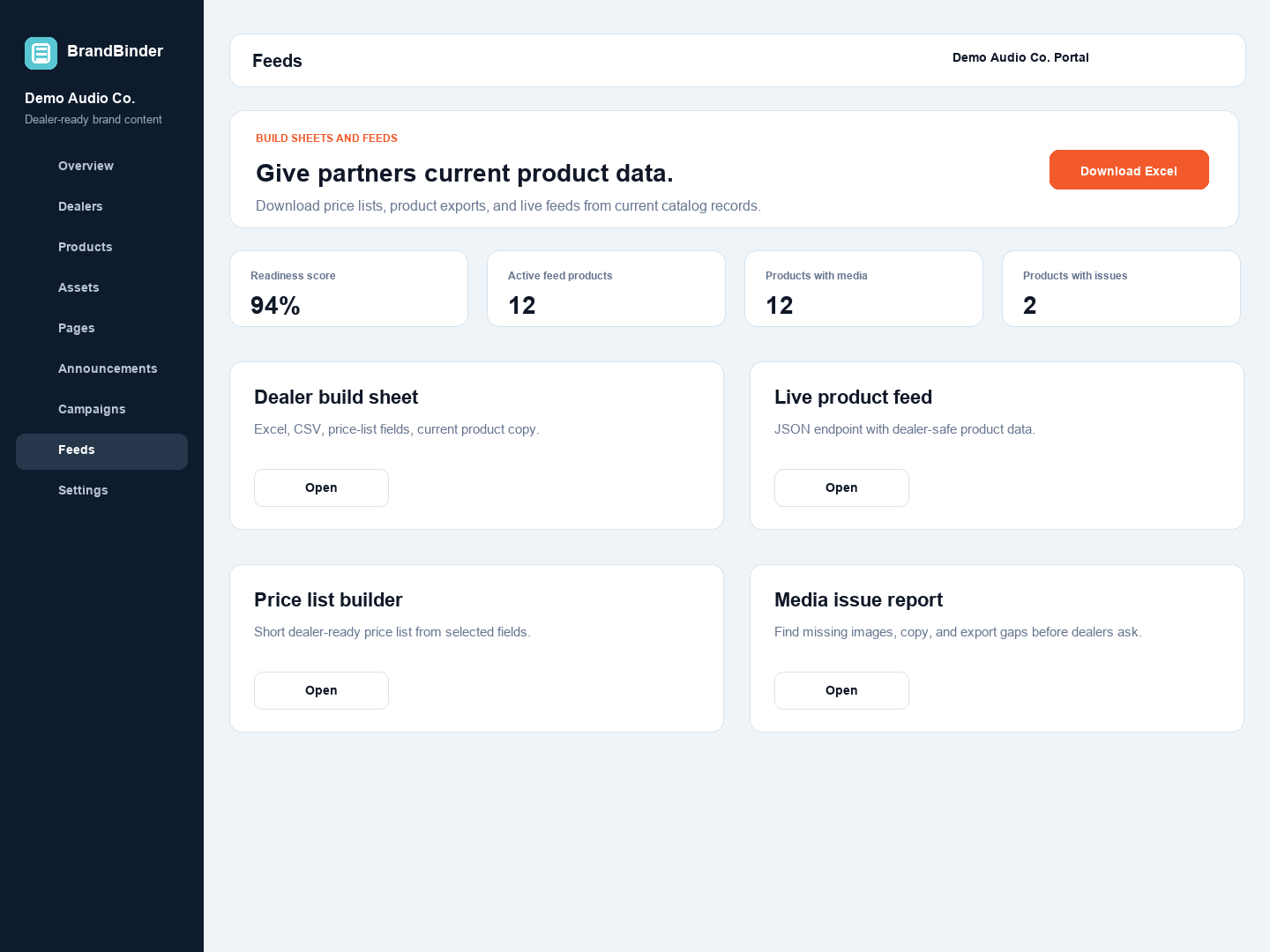
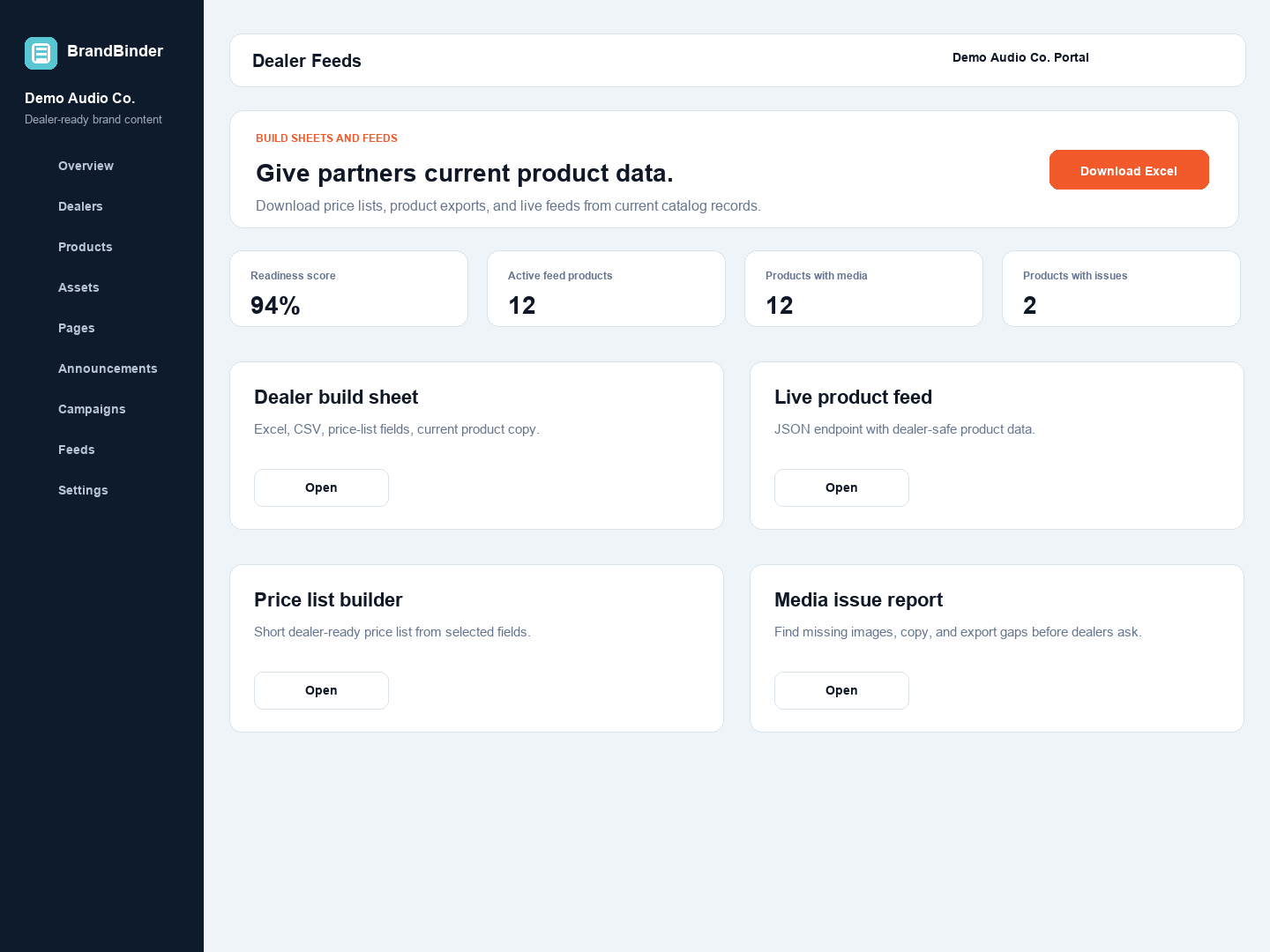
Brand-side feed and price-list controls.Dealer-side current price-list access.
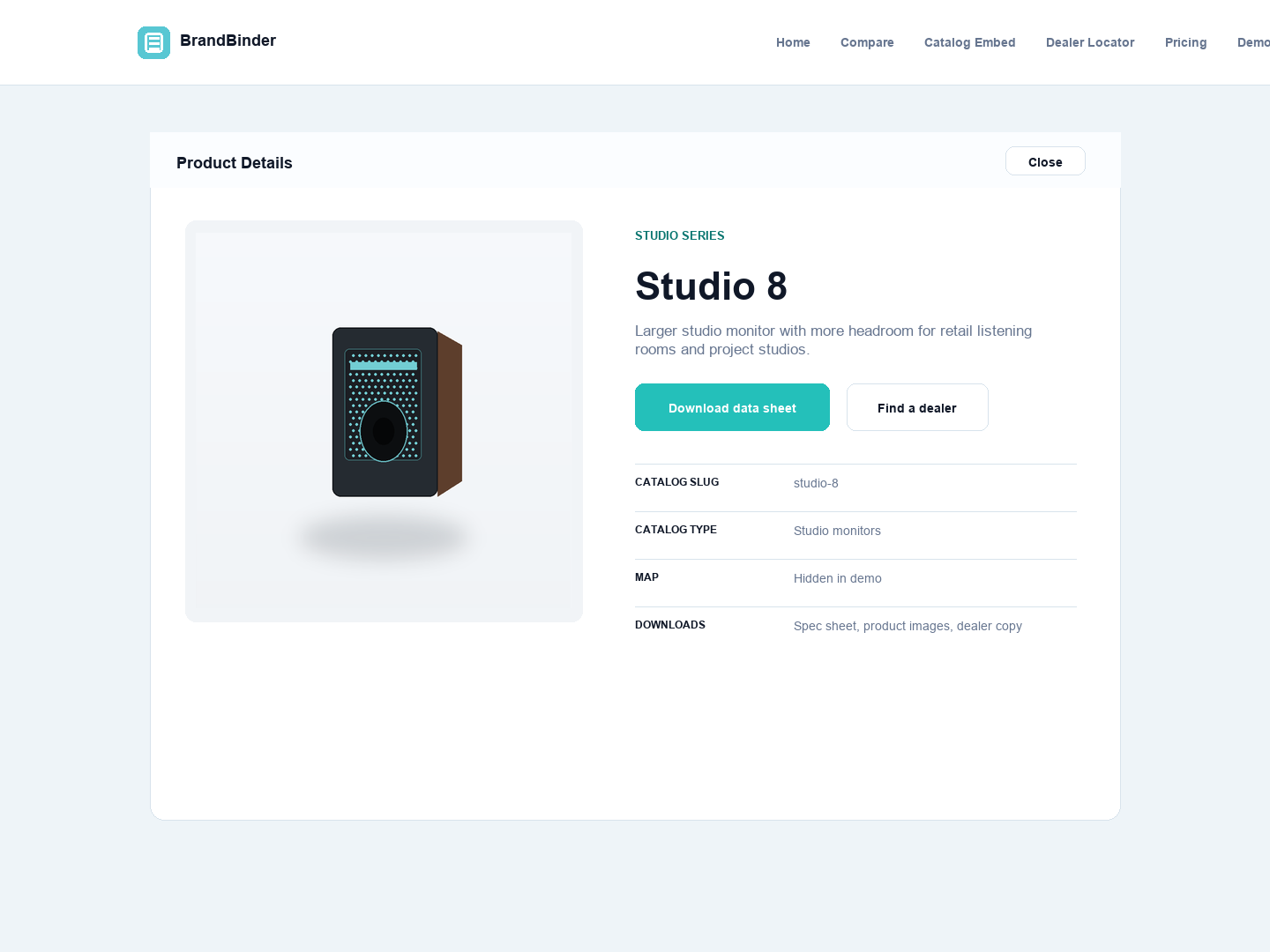
Product detail gives pricing context a current product home.
Compliance note
Keep policy language separate from the delivery tool.
BrandBinder distributes current dealer-facing product and pricing data. Your MAP policy, dealer agreement, legal review, and enforcement process still live outside the portal. The portal should make the approved information easier to find and harder to misuse.
Start building your dealer workspace today.
Try BrandBinder free for 30 days with no credit card required, or bring your current dealer stack to a guided demo.
 BrandBinder