Stop making dealers guess which price list is current.
Dealers do not want another attachment to file away. They want the current list when they are quoting a buyer, loading a website, or checking a launch. A good dealer price-list workflow gives them one place to pull current pricing, with exports when they need offline data.
The spreadsheet is usually fine. The distribution path is the problem.
Most brands already have usable pricing data somewhere. The trouble starts when that data turns into a chain of PDFs, Excel files, launch emails, rep forwards, and dealer-saved folders. After that, every correction becomes a support question.
Attachments age badly
A saved PDF can outlive the launch, the promo, the discontinued SKU, and the corrected MAP.
Files lose context
Dealer cost, MAP, MSRP, pack quantity, product status, images, and PDFs all belong near the product record.
Corrections multiply work
Every “use this one instead” email creates another version for dealers and reps to reconcile later.
What to publish
A dealer-ready list should be boring, explicit, and easy to export.
Field or rule
Why dealers need it
SKU and product title
So buyers, salespeople, and ecommerce teams can match the list to the catalog without guessing.
MAP, MSRP, and dealer cost
So advertised pricing, retail anchors, and account-sensitive buying prices do not get mixed together.
Status and availability
So discontinued, private, preorder, or restricted products do not travel like normal active SKUs.
Pack, UPC, and notes
So dealers can quote and load products without emailing for the same operational details.
Export path
So humans can download a readable sheet and ecommerce teams can pull CSV or Excel when needed.
Rollout pattern
Move the habit from “check the attachment” to “open the portal.”
You do not have to rebuild every internal pricing process first. Start by making the dealer-facing source more reliable than the folder of old exports.
1. Publish the active list
Start with the fields dealers ask for most: SKU, title, MAP, MSRP, dealer cost, UPC, pack notes, and status.
2. Send a stable link
Tell dealers the portal is the current source. Keep exports available, but stop making attachments the authority.
3. Announce changes there
When pricing changes, update the data and send a short note that points back to the same current list.
How BrandBinder does this
BrandBinder gives dealers the current list without making you resend it.
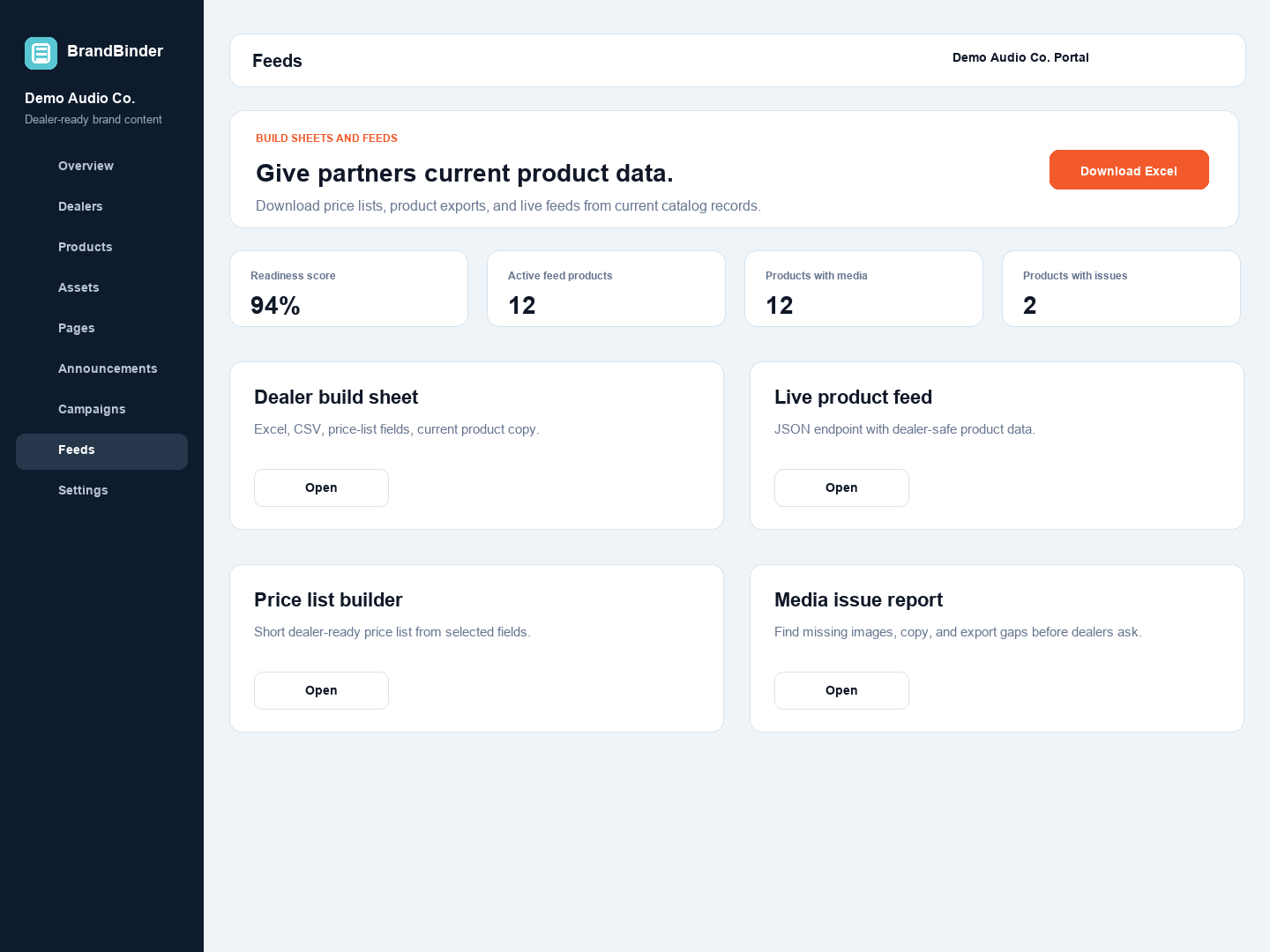
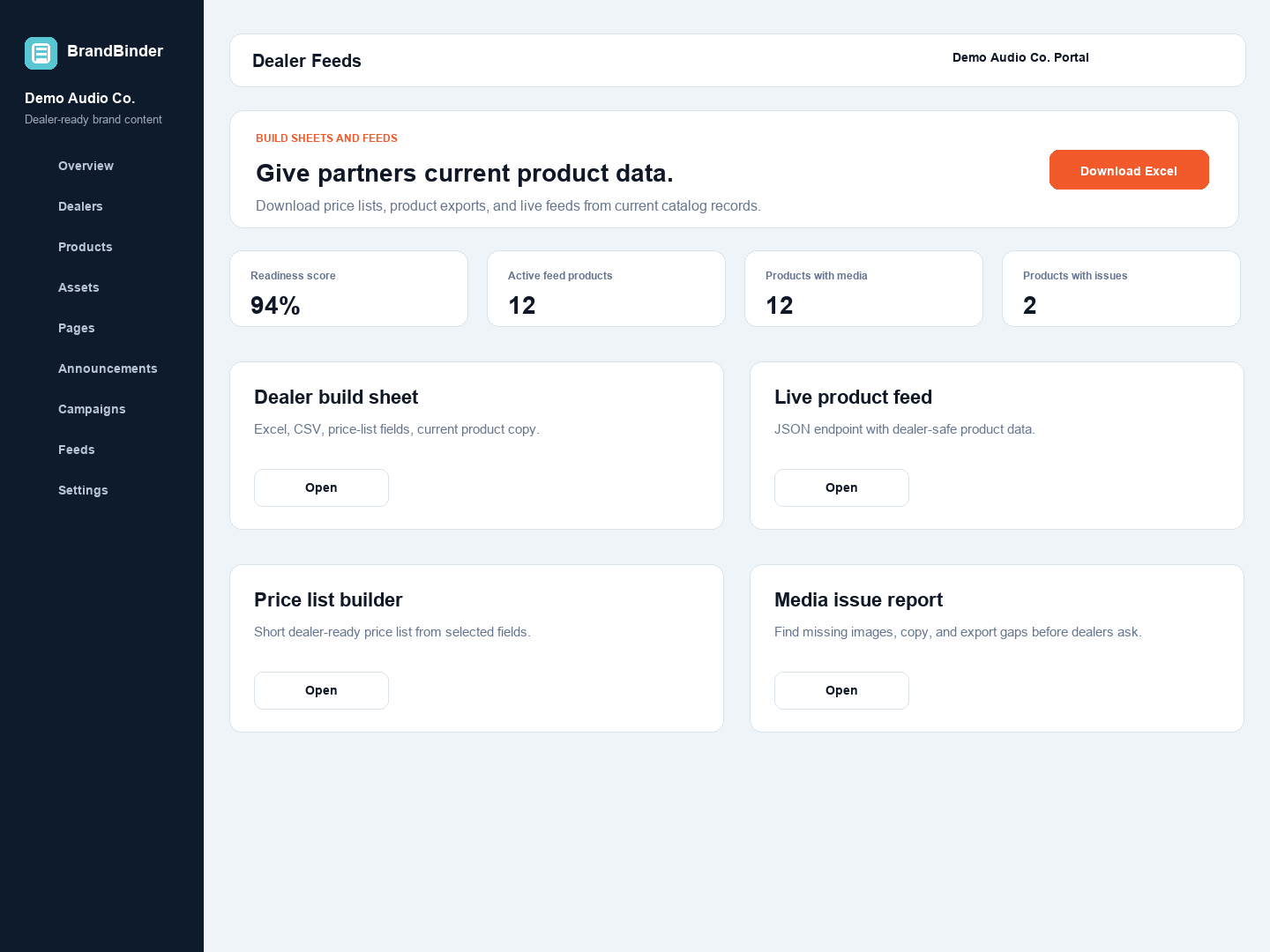
BrandBinder lets brands manage product pricing and files in one workspace, then give approved dealers self-serve access to current price lists, build sheets, and feed exports. Dealers still get downloadable files. They just get them from a current source.
Brand-side feed and export controls.Dealer-side price-list and feed access.
Product context
A price list is more useful when it points back to the product.
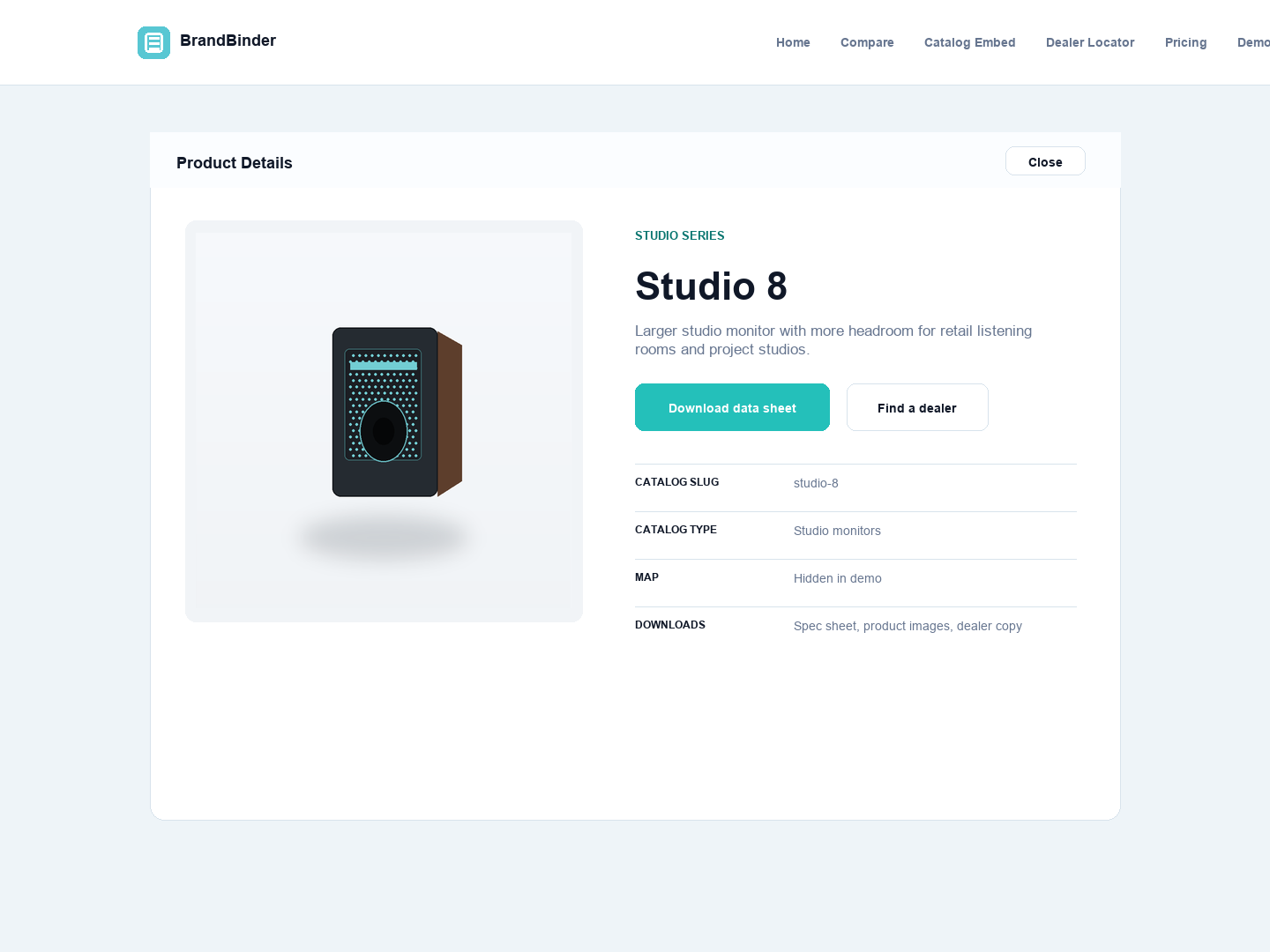
Dealers usually need more than a number. They need the image, the sell sheet, the spec, the copy, and the product status that explains what they are selling. The list should be a doorway back to that context, not a dead-end file.
Product data, files, and dealer actions stay connected to the catalog.
Start building your dealer workspace today.
Try BrandBinder free for 30 days with no credit card required, or bring your current dealer stack to a guided demo.
 BrandBinder